Build and Lead Thriving, Purpose-Driven Businesses
Ralston Consulting helps you scale your business with confidence so you can help more customers and create a legacy that lasts for generations.
Even the Best Businesses Can Hit a Wall
In today’s unpredictable business environment, it’s more challenging than ever to grow your business.
Ralston Consulting’s growth frameworks, tools, and hacks help your organization achieve predictable growth, so you can get out of the weeds, drive accountability, and work ON the business instead of IN the business.
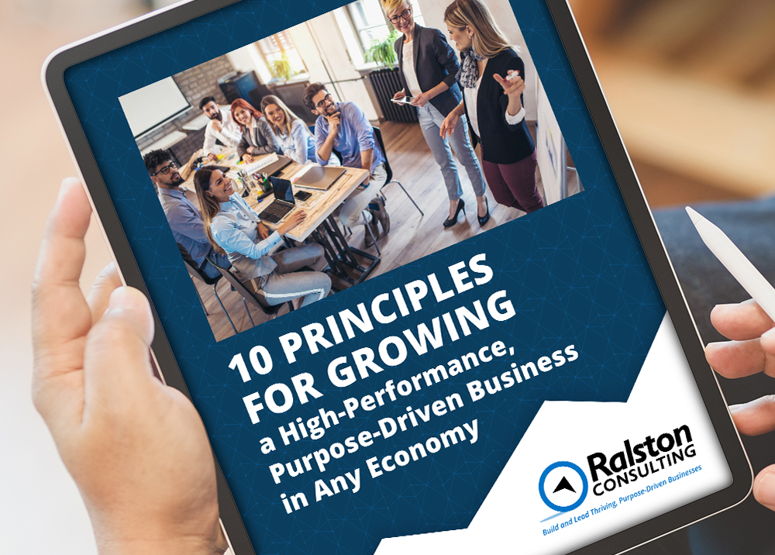
Discover 10 Principles for Growing a High-Performance, Meaningful Business


There’s a Better Way to Take Control of Your Business’s Trajectory
When you’re doing everything you can to achieve results but still not gaining traction, it’s easy to feel frustrated. Ralston Consulting helps you:
- Feel confident in your plan and your leadership A-team
- Scale faster, grow more predictably, and make more money
- Gain the freedom to step back from the business and the perspective to see your business from 30,000 feet
- Enjoy your business again
We Help Business Owners Finally Achieve the Success They’ve Worked So Hard for
At Ralston Consulting, we understand how challenging it is to run a high-performance business and the demands on you and your leadership team. Now more than ever, people depend on you. Everything is on the line.
You have what it takes to build a thriving business that stands the test of time and a legacy that could last for generations. You just need the right system to get there.
Since 1998, our team has helped clients in dozens of industries and many sectors confidently take control of their business’s trajectory. We weave together evidence-based growth frameworks, tools, and hacks to create a performance system custom-tailored to your unique personal goals and challenges.
Don’t just rely on willpower to get to the next level. Schedule an appointment with Ralston Consulting today. Our team will help you build a strategy and keep enthusiastic customers so you can step back and enjoy the ride.
What Our Clients Say

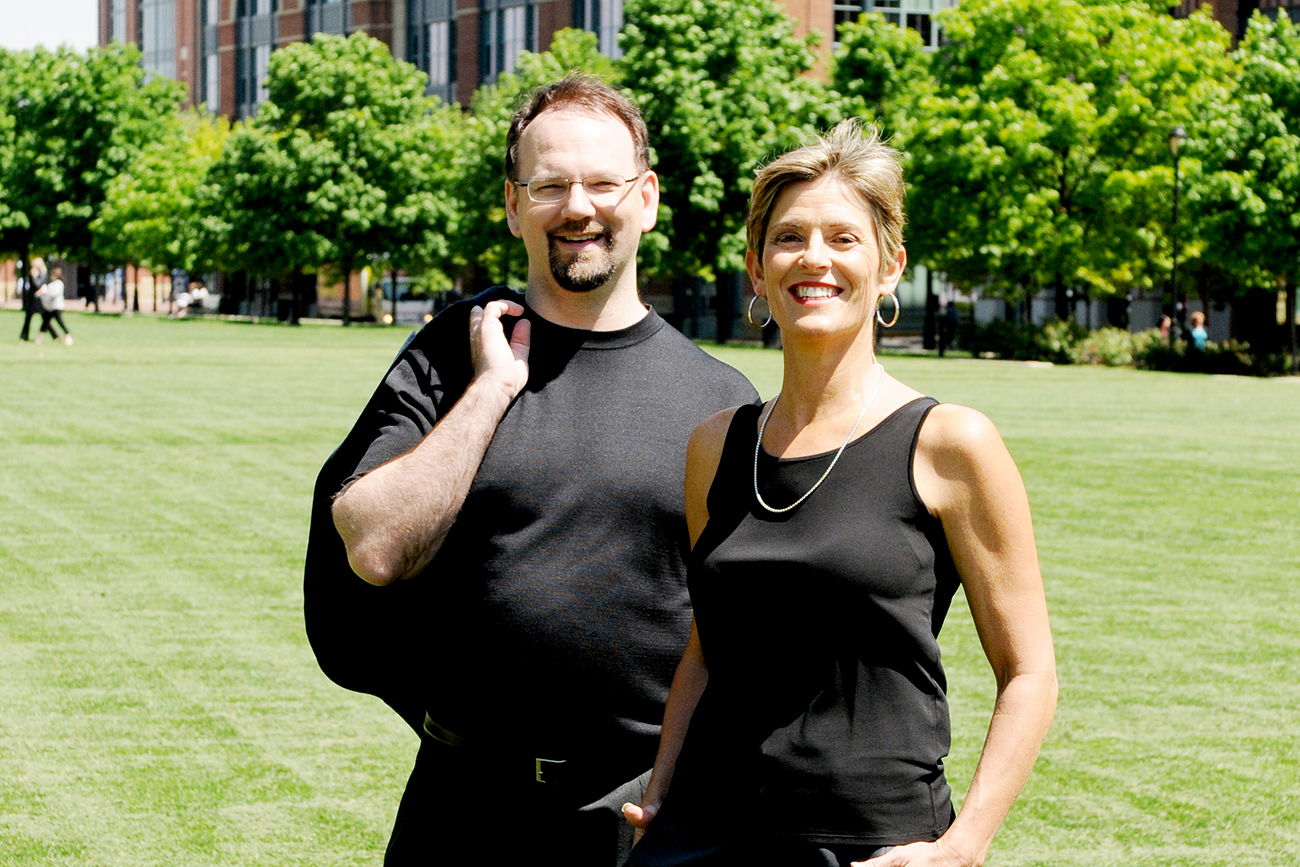
Gary and Ann Ralston are the coaches to hire. We love working alongside them to create innovation initiatives that result in hundreds of millions of dollars of returns per project. They coached our own team through redefining our business during this COVID turmoil—with fast improvements in sales, team morale, and efficiency. It would be hard to be more wholehearted in recommending their services and how enjoyable it is to work with them as people.
- Emilie Sidney-Smith, former CEO, ExO.Works
Gain Momentum & Scale Your Business in 3 Steps

1. Book a 30-Minute Appointment
Meet with one of our certified business coaches to discuss the obstacles standing in the way of your business’s success and create a plan to overcome them.

2. Implement Your Growth Framework
Use proven processes and software to adapt to changes in the environment, increase your profits, and regain control of your business.

3. Achieve Predictable, Sustainable Growth
As your business gains momentum, you’ll start to enjoy the journey again. You will have the freedom to get perspective on the business and even focus on a new venture.
Discover 10 Principles for Growing a High-Performance, Purpose-Driven Business in Every Economy
In the challenging times we face today, many business owners find themselves in unfamiliar territory without a clear map or plan of action. Organizations that were doing well have experienced setbacks, and organizations who were dealing with challenges before face even more difficulties.
So what can you do to ensure your business maintains predictable growth despite sudden changes in the economy?
Download our free guide, 10 Principles for Growing a High-Performance, Meaningful Business in Any Economy. You’ll learn simple, practical strategies you can follow today to build a business that lasts.