Accelerated Productivity – Smartphones and E-mail On-The-Go (hunting the Treo 700p)
My smartphone is a movie star. Normally reserved executives – strangers – spot the device, lean over and ask: “Hey, is that the Treo 700?” Smartphones are big time, and you can spot users everywhere – furiously thumb-typing in meetings, on buses and trains, standing in line, and in taxicabs.
There is a reason the RIM Blackberry™ phones and devices are called “Crackberries”, and that is because they elevate e-mail discussions to the speed of instant messaging. As soon as you get a message, you are alerted wherever your device has reception. As soon as you hit send on your response, it wings its way back.
However this is NOT all good:
Downside to e-mail everywhere:
- Hello email 24×7, goodbye deep thought. There are two modes of work you mind does -Â reactive, driven by interruptions (phone calls, emails, drop-in visitors), and what consultants DeMarco and Lister call flow1, where you are conceptualizing, designing, composing and otherwise pondering project work. It takes at least 15 minutes to enter deep thought, and a single interruption to yank you back out to reactive mode. How can an executive catch up an entire week’s overflow early on Saturday morning? No interruptions.
- Your workday invades your personal time, or, the other way around.
- Others begin to EXPECT instant response, and get impatient over what used to be reasonable response times.
- Driving (and even walking!) is INCREDIBLY distracted and dangerous. I predict, just as smokers pay higher premiums, that courts and auto insurers will escalate penalties where a smartphone is recovered from the wreckage.
- Both the devices and their wireless Internet plans are expensive, on top of your voice plan.
- Setup is NOT yet seamless, and often requires a geek to get full benefit of the solution.
- If you usually use a program on your laptop to filter spam, when the laptop is off (usually when you are traveling), ALL your spam finds your phone. Then, you start ignoring the device alarms, because you get so many of them.
- Because the screens are so small, many mobile users react off the first 10 lines in the email, and ignore attachments and graphics. Consequently, it is easier to miss the subtlety, background and context in a message. This is not good in a medium known for “flames” due to misunderstanding. In addition, the cramped keyboard encourages highly informal SMS or IM “speak”, where okay becomes k, you becomes u, and see you later becomes cyal8tr. Sometimes informal is good. Sometimes.
- In meetings, though all too common, it is just RUDE to check out and do your e-mail. Sure, you can blame the meeting facilitator for a boring session, but see how you like it when it is YOUR meeting, and all you see of the participants are the crowns of their heads!
- The networks, while pretty good, are not ubiquitous. Data roaming is nowhere as evolved as voice roaming or even SMS. You might have US coverage for mobile data, but not Canada, Mexico, Europe, Asia…
- Baby boomers and beyond are losing near vision. Without big screens and automatic, interactive spell checking found on desktop e-mail clients, many have to resort to reading glasses (making driving REALLY interesting!).
Upside to e-mail everywhere:
- No one needs to know you are at the beach (!) while moving that deal along.
- You can turn a hundred little moments of downtime in a day into productive time. For domestic frequent flyers, this really rocks.
- When, say, a client’s plans change, you find out in time to change with them.
- No one else has to change their ways to communicate with you – learning special addresses and codes for a paging system, or website, or SMS on their phones. EVERYONE has, and uses, email.
- Your response time can get much shorter – helping you seem more available and on top of it.
Advice for the adventurous:
- Try before you buy. You might think from looking that most smartphone interfaces were designed by youngsters with excellent near vision and delicate fingers. For the 40 + year-old set, learn how to enlarge the type, and try it without your reading glasses. For people with big thumbs, make sure the phone recognizes the letters you meant to hit, cleanly and quickly.
- Do NOT go with a price-per-kilobyte plan, where one website or attachment can push you over your monthly limit. Instead, get an unlimited plan. It can save you a thousand dollars per year. Really… thousands!
- Insure your smartphone, then treat it with care. Don’t put it in your back pocket – your screen can crack. Don’t put it in your shirt pocket – it will end up broken on the ground, or in a toilet. Trust us on this one. If you lose or break your smartphone, you will experience withdrawal symptoms while you wait for the replacement.
- Figure out how to filter spam server-side – that is, before it reaches your handheld e-mail client.
- Public Service Announcement: Do NOT read or write e-mail while driving. You will be tempted, no doubt. The lucky among you will simply scare yourself silly. You CANNOT focus on a handheld 2-inch screen, type on AND maintain situational awareness in a vehicle whether moving in traffic at 55 mph, or navigating an intersection. Instead, use the time to talk on your phone (using a good headset and a voice dialing feature), or use the “windshield time” for some deeper thought.
- Don’t expect much from the Internet browsers on these devices. Most websites are designed for 800×600 or 1024×768 pixel screens. Mashed down into 200×200 pixels, most sites are ponderous at best, and impossible to access, at worst.
- Either get in touch with your inner geek, or hire a geek. Verizon Technical Support is good, but cannot be expected to configure your laptop, synchronization, desktop, supplemental smartphone programs, and protect your data – all over the phone.
- Make SURE you figure out how to reliably synchronize changes to your calendar and contacts between your phone and your computer.The real power is in integrating your directory, complete with e-mail addresses, with anywhere e-mail.
- Carefully weigh the device’s Operating System. I recommend Palm OS with its elegant interface, or the latest Windows Mobile platform and its easy Office integration, rather than the RIM Blackberry. While the Blackberry is a demon at e-mail, there are few programs available for the platform, when compared to thousands, for Palm OS and Windows Mobile. Also, RIM is in a protracted patent dispute that could shut down the Blackberry network if it doesn’t go well for them. RIM has settled the dispute, to the deep relief of all the addi – i mean, users out there.
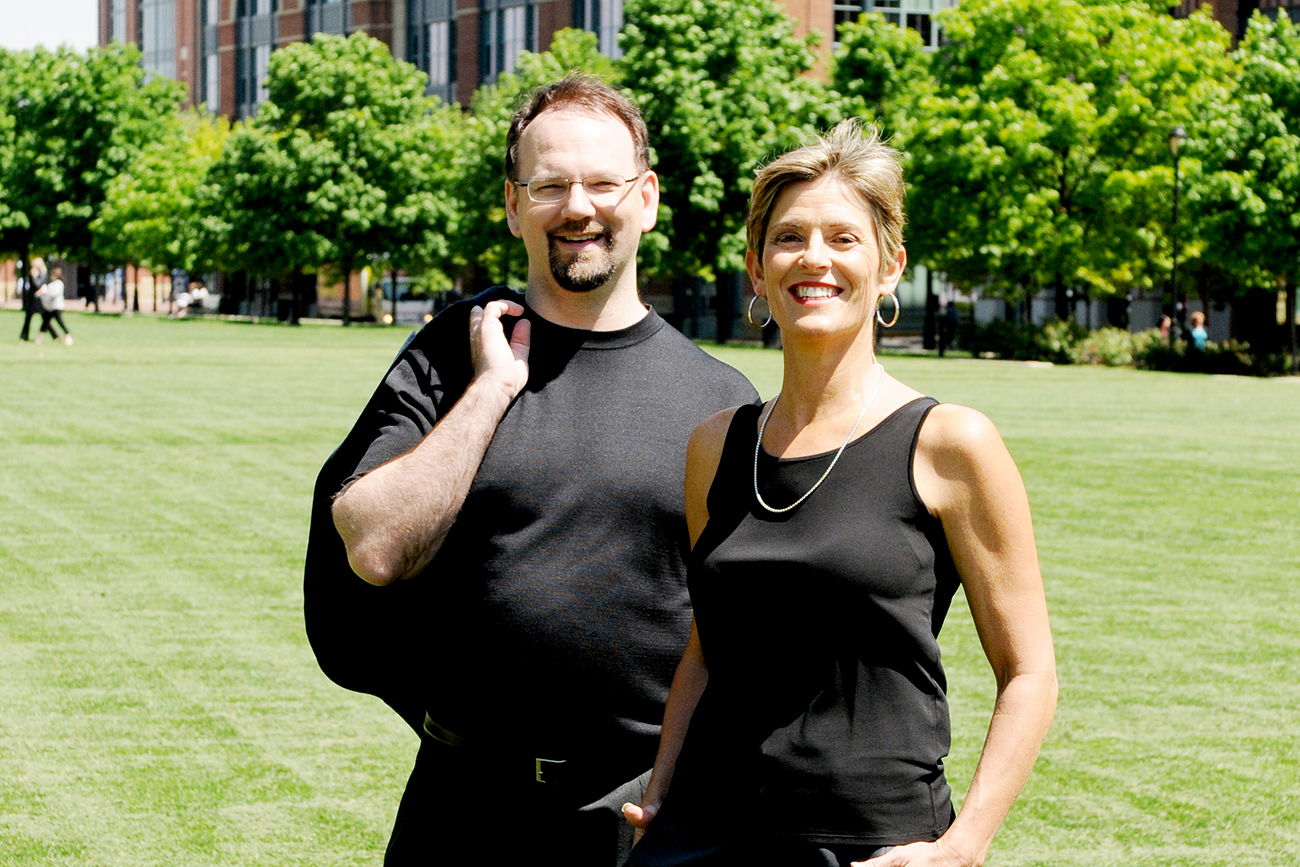
What Ann and I use: (updated 2007-1-7)
- Palm Treo 600 and Treo 650. (although I am coveting the new Treo 700p…) Ann and I both made the leap to the 700p in August – much better. These phones can be tethered to our computers as superfast broadband modems. Ask your cellular provider about Dial-Up Networking (DUN) options and plans.
- Snappermail.com e-mail client (POP and IMAP mail)
- Now Up-To-Date and Contact for Macintosh (most people will use Microsoft Outlook on their Computer)
- Plantronics Discovery 640 Bluetooth Headset. (Ann rates this device: Awesome! Well, it didn’t age gracefully. a design flaw interferes with proper charging, and now Ann rates it a PITA. We tried the Discovery 655 and Motorola H700 since, too. Her new Fave? The Jabra JX 10. Me – I don’t like the sound quality of any BT headset I’ve tried.)
- 2007 Toyota RAV4. Ann’s new ride has Bluetooth and voice recognition for dialing – much safer, until her car starts warring with her Jabra headset – then it’s ugly!
- Verizon Wireless Network with Unlimited Data plan.
Palm Bluetooth GPS unit with TomTom Navigator 6. While the software has some flaws, and integration with the phone is imperfect, you can navigate to any address in your contact list. That said, I downloaded the voice of John Cleese for my navigation prompts. I don’t care what millions of Python fans say – he’s found his calling inside my Treo!- Documents to Go Professional on Palm OS from Dataviz.com (For viewing and editing Microsoft Office documents, and viewing PDF’s, on the smartphone).
- Protective cases. (Treonauts.com has some excellent case reviews – verging on obsessive…)
- USB sync-and-charge cables from ZipLinq.com
- Device insurance.
UPDATE 2009-8-24: The iPhone 3GS has blown all this away. Except for typing speed, which is still better than I would have thought possible when I first bought it, it is the best, most flexible device Ann and I have owned. Sorry, Palm.
Smartphones are the way of the future. I look forward to the day when voice commands replace the miniscule keyboards, when Bluetooth really works, and when pull-out screens give truly usable display sizes without sacrificing portability. Until then, our advice is: Try before you buy; set it up right; be disciplined and safe when using your smartphone; and set boundaries that enhance, rather than disrupt, your productivity.
Sources
1 pp 62-64, Peopleware 2nd ed. by Tom DeMarco and Timothy Lister. ISBN 0932633439